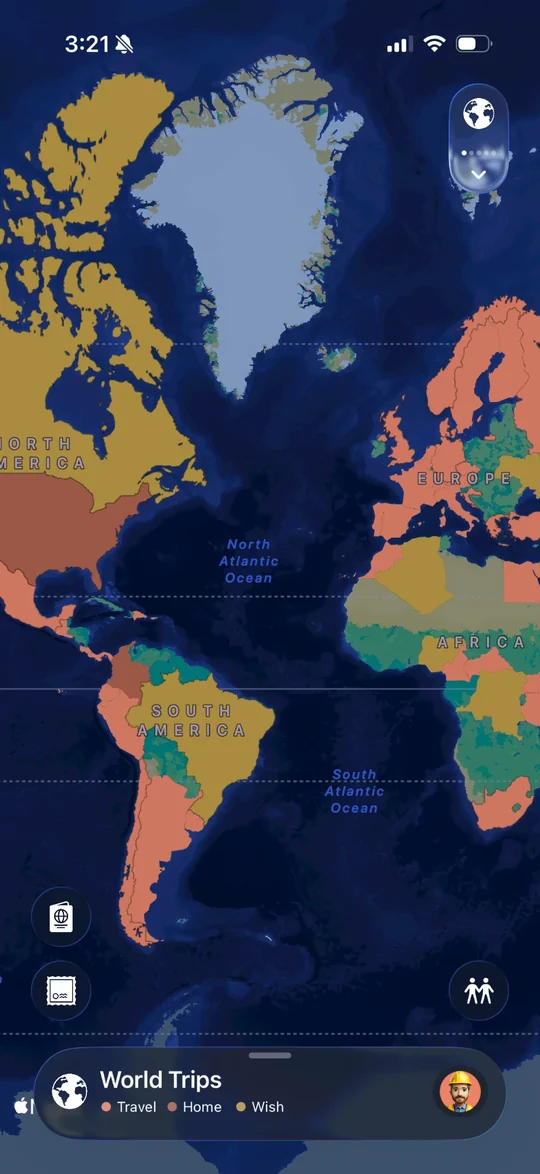
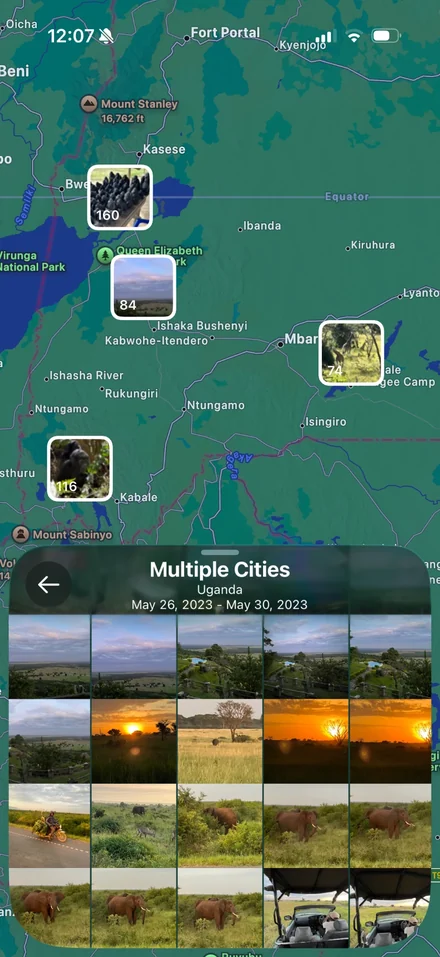
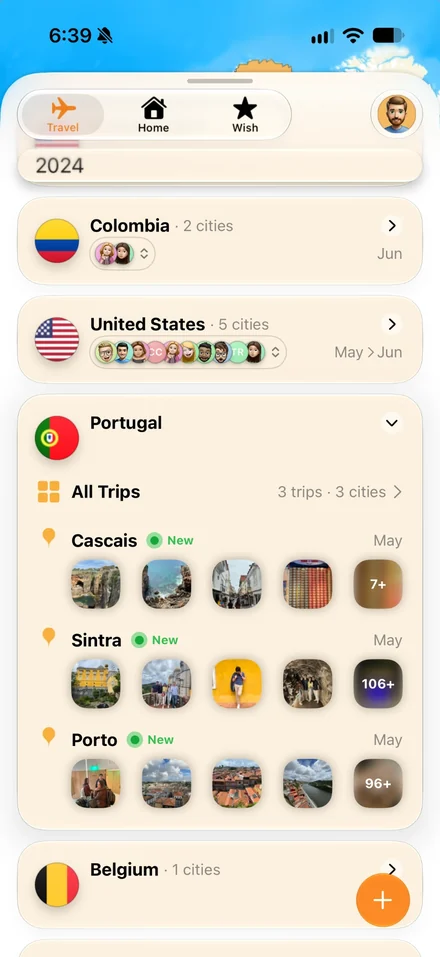
Relive your trips in 3D
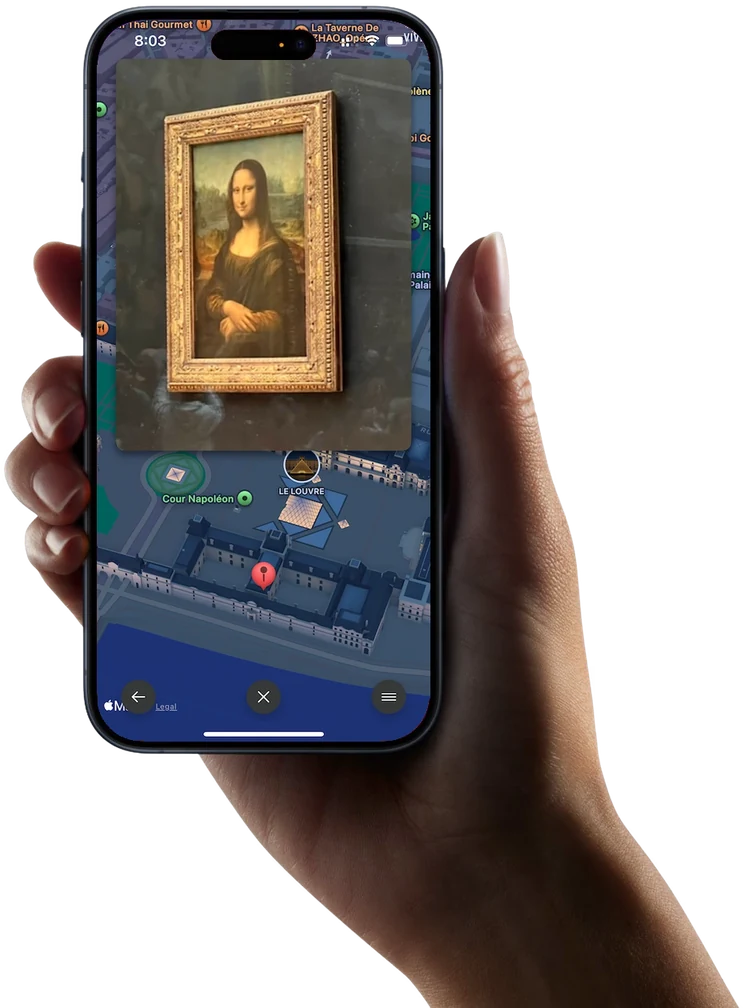
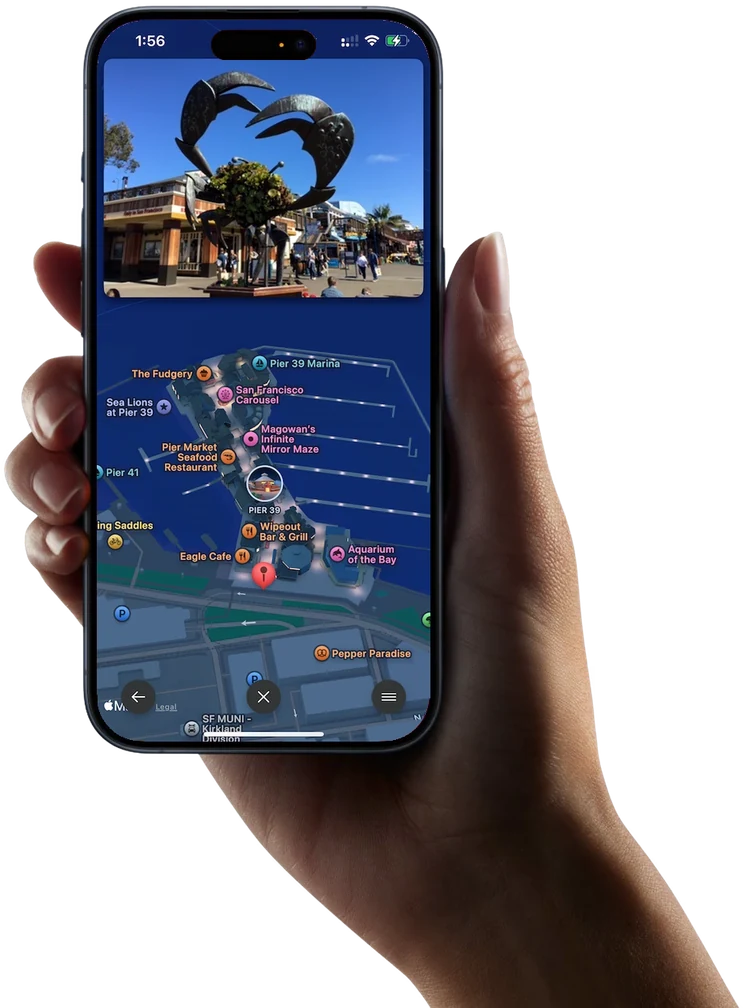
Watch your journey come to life as your photos seamlessly overlay a 3D map, taking you back to every destination
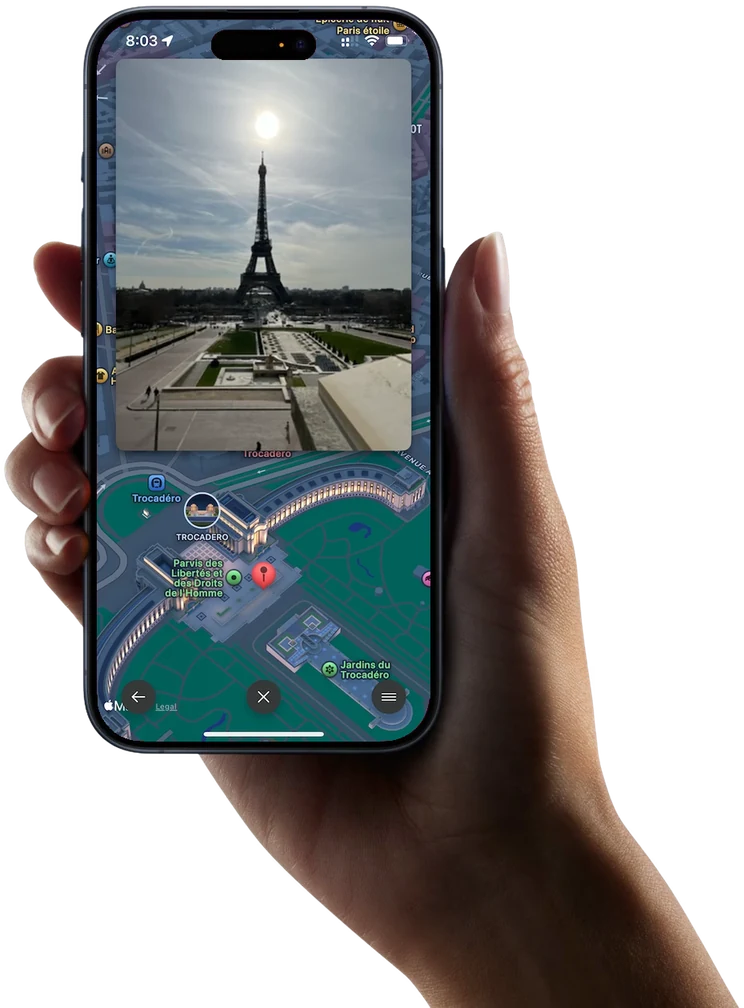
Relive your trips in 3D
Watch your journey come to life as your photos seamlessly overlay a 3D map, taking you back to every destination
Right where it happened
Whether inside iconic landmarks or outside exploring, your memories stay pinned to the map
Global adventures
No matter where your journey takes you—Tokyo, San Francisco, Singapore—Odyz turns your trips into a visual story.
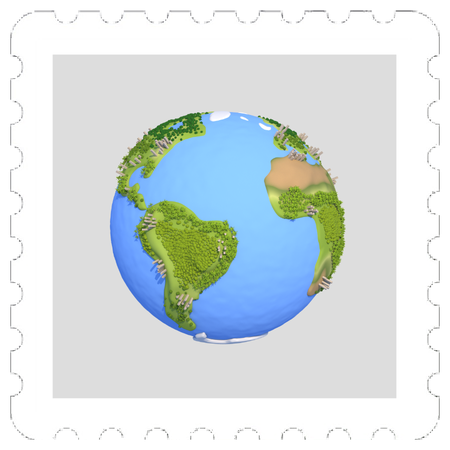
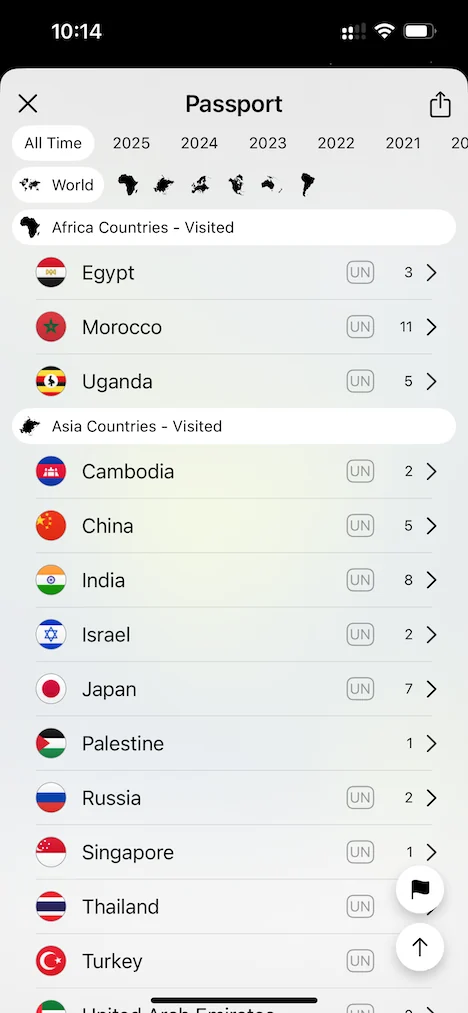
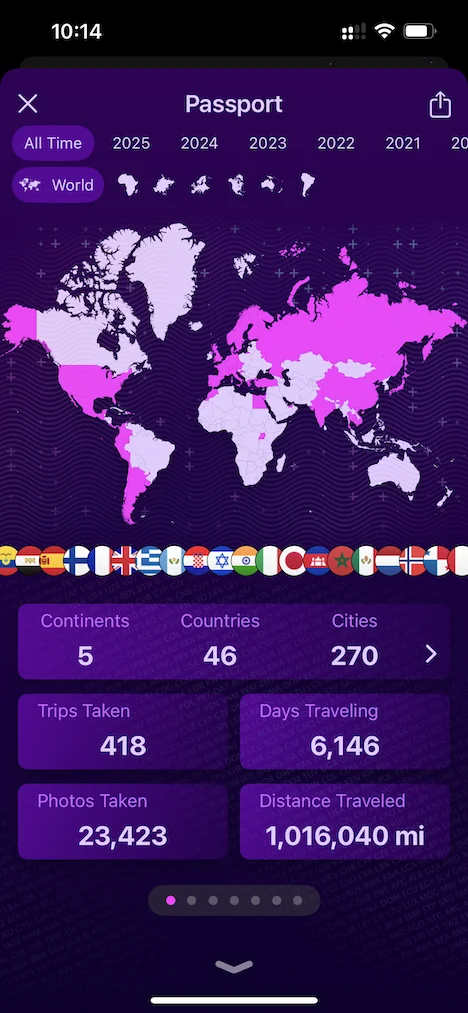
Passport
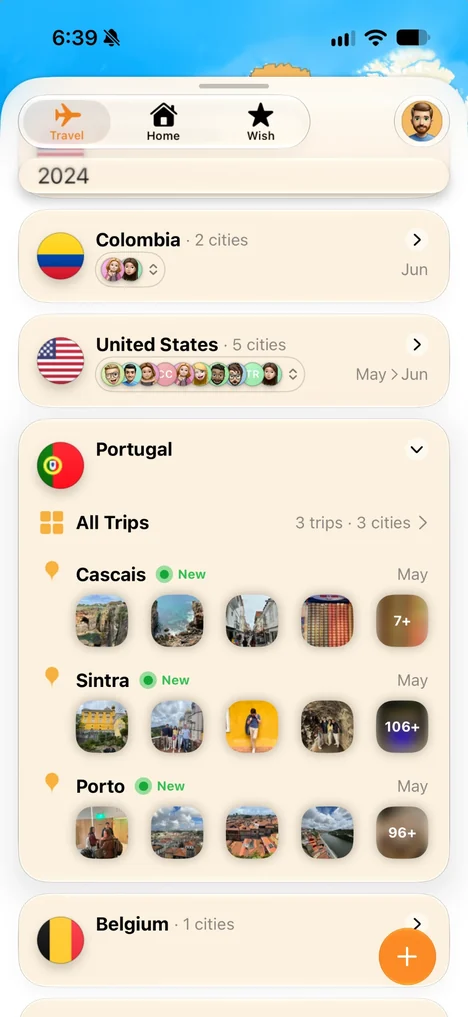
Travel timeline
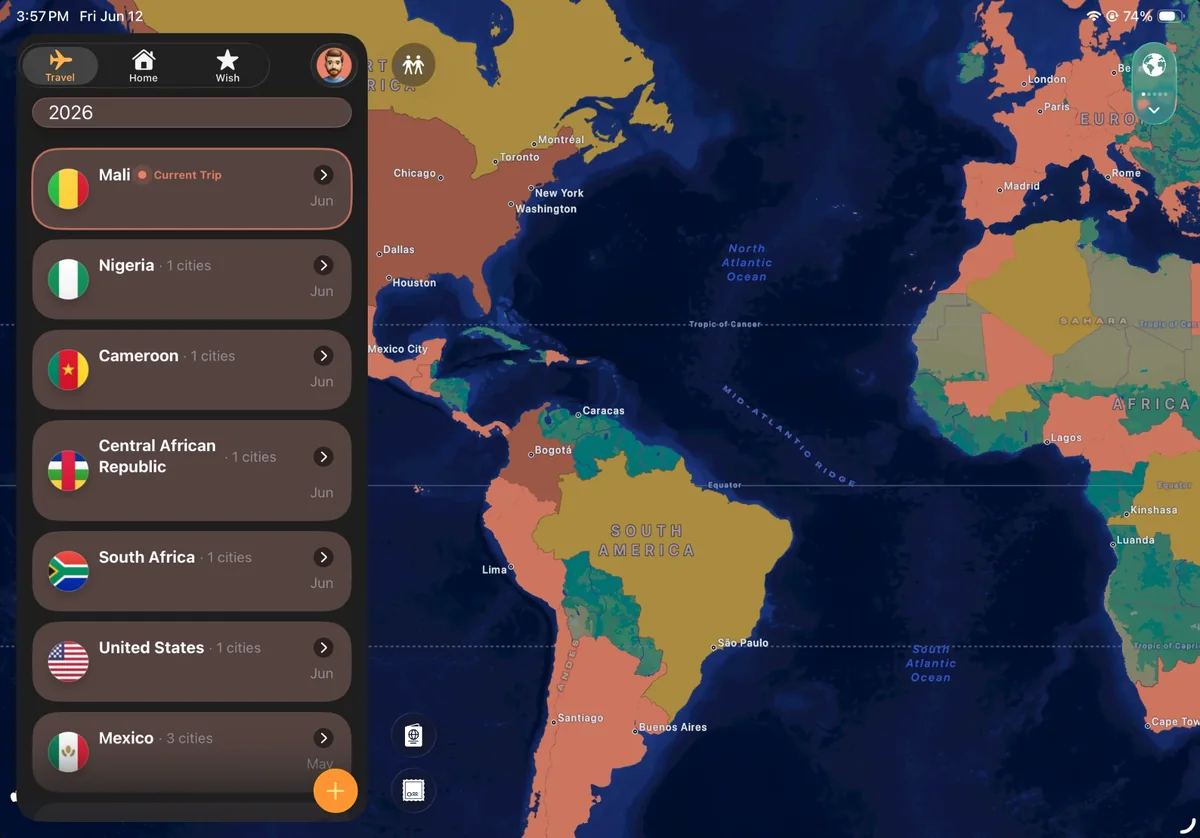
World map
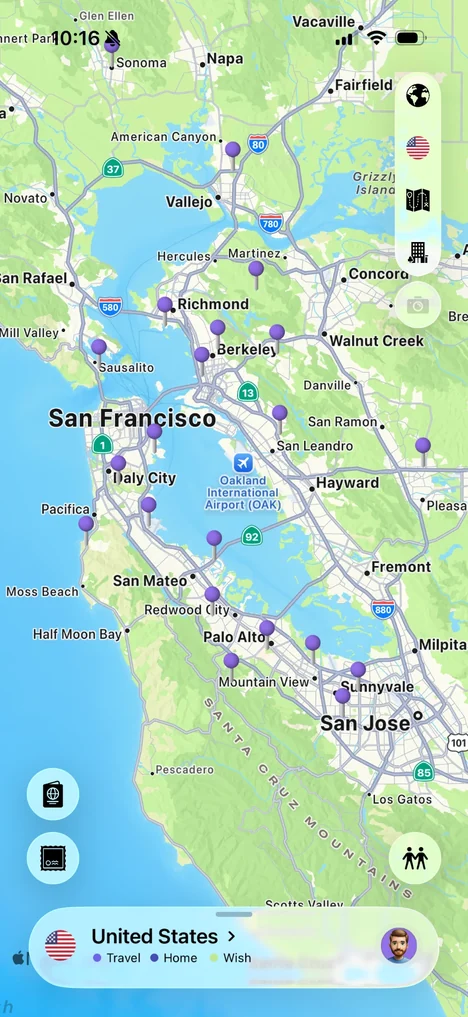
Worldwide

App Store
“I've always wanted a travel tracker that just works. Odyz automatically organizes my trips from photos with zero effort!”
 Loris L.
“I love how Odyz creates my digital passport! Tracking stats and collecting stamps makes my trips even more rewarding.”
 Valentina S.
“Stunning interface! The 3D map is smooth, and trip browsing feels natural, clearly built by travelers who care.”
 Esteban G.
What reviewers have to say
“Anyone who enjoys travel knows how essential an iPhone is to capturing great photos of the trip. But many times, some great shots end up in our Camera Roll never to be seen again. The new app Odyz wants to help changes that.”
— Brent Dirks, App Advice
Odyz is the ultimate travel tracker, designed for travelers who want to relive their journeys effortlessly. It automatically creates trips from your photos, tracks every country, region, and city you visit, and builds a digital passport with travel stats—all for free, with no ads, no account needed, and a privacy-first approach. Plus, with interactive 3D maps, real-time updates, and seamless photo syncing, Odyz makes documenting your adventures easier than ever. Download now and start exploring!
You don’t have to do anything. Download Odyz and allow access to your photos: it reads where and when each photo was taken and builds your trips, timeline, map and digital passport automatically, including trips from years ago.
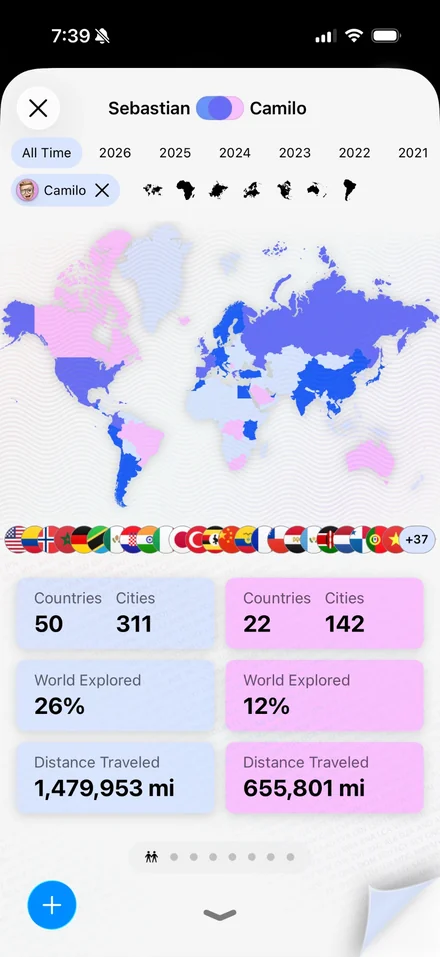
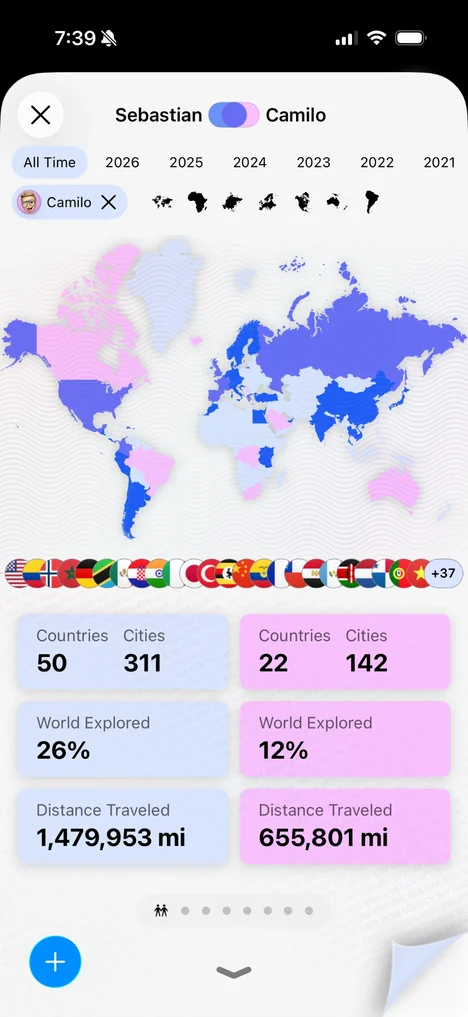
Tap the passport icon on the main screen. Your passport shows your continents, countries and cities, share of the world explored, trips, distance and photos, and its other pages add a heatmap, your footsteps, favorite countries, seasons, languages, global ranking and stamps. Pick all time or any year.
Odyz counts them for you. Tap the passport icon: the number of countries is on the first page, next to your continents, cities and share of the world explored. Odyz covers all 193 UN countries and many more territories.
Your World Trips map fills in every country you’ve been to, and your passport shows them as a row of flags and as a list by continent, with the number of cities you visited in each.
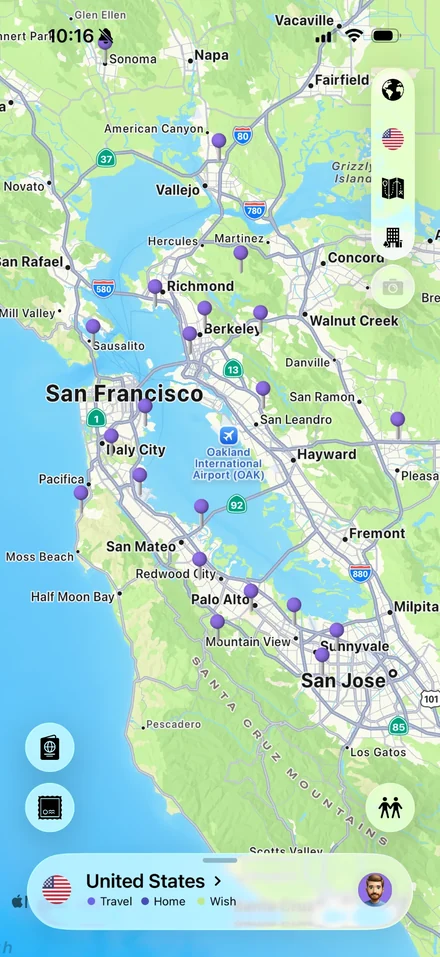
Your timeline lists the cities on every trip with their photos, your map puts a pin on every place, and the passport’s Footsteps page shows a dot for every city you’ve ever visited.
Absolutely! Odyz is completely free and works seamlessly across both iPhone and iPad. On iPad, you’ll enjoy an even more immersive travel tracking experience with a larger, more interactive display.
Odyz effortlessly organizes your travels by using the photos you’ve taken during your trips, automatically generating your travel history without any manual input. Just sit back and let Odyz do the work—all while keeping you in full control of your data with a privacy-first experience.
Yes! Odyz is completely free to use, and its core functionalities will always remain free. You can track unlimited countries, regions, and cities, with no limits on years or historical data. There are no ads, no required accounts, and no paywalls for essential travel tracking.
For those who want extra customization and convenience, we offer an optional Odyz Pro subscription. This helps fund ongoing development and supports our small team of three developers while unlocking premium experiences for frequent travelers, like custom themes, home screen widgets, and exclusive travel icons. Your support helps us continue improving Odyz while keeping it free for everyone!